Knowledge centreGetting started
Welcome to DocuFiled
Prefer a printed copy? Download the 7-page client guide.
Client guide (PDF)What's changing
We're moving all our clients from Dext to DocuFiled, a system built by USQ Accountants. It does the same job as Dext: you send us your receipts and bills, and they're read, checked and filed into your accounting software.
- You still just send us your paperwork. We still do the bookkeeping.
- Every document is read automatically: supplier, invoice number, dates, GST and totals.
- Your past Dext documents have been backed up by us, and recent ones have already been moved across.
What you need to do (about 10 minutes)
1Accept your invite and sign in
We've set up a DocuFiled workspace for your business and sent an invitation to your email address.
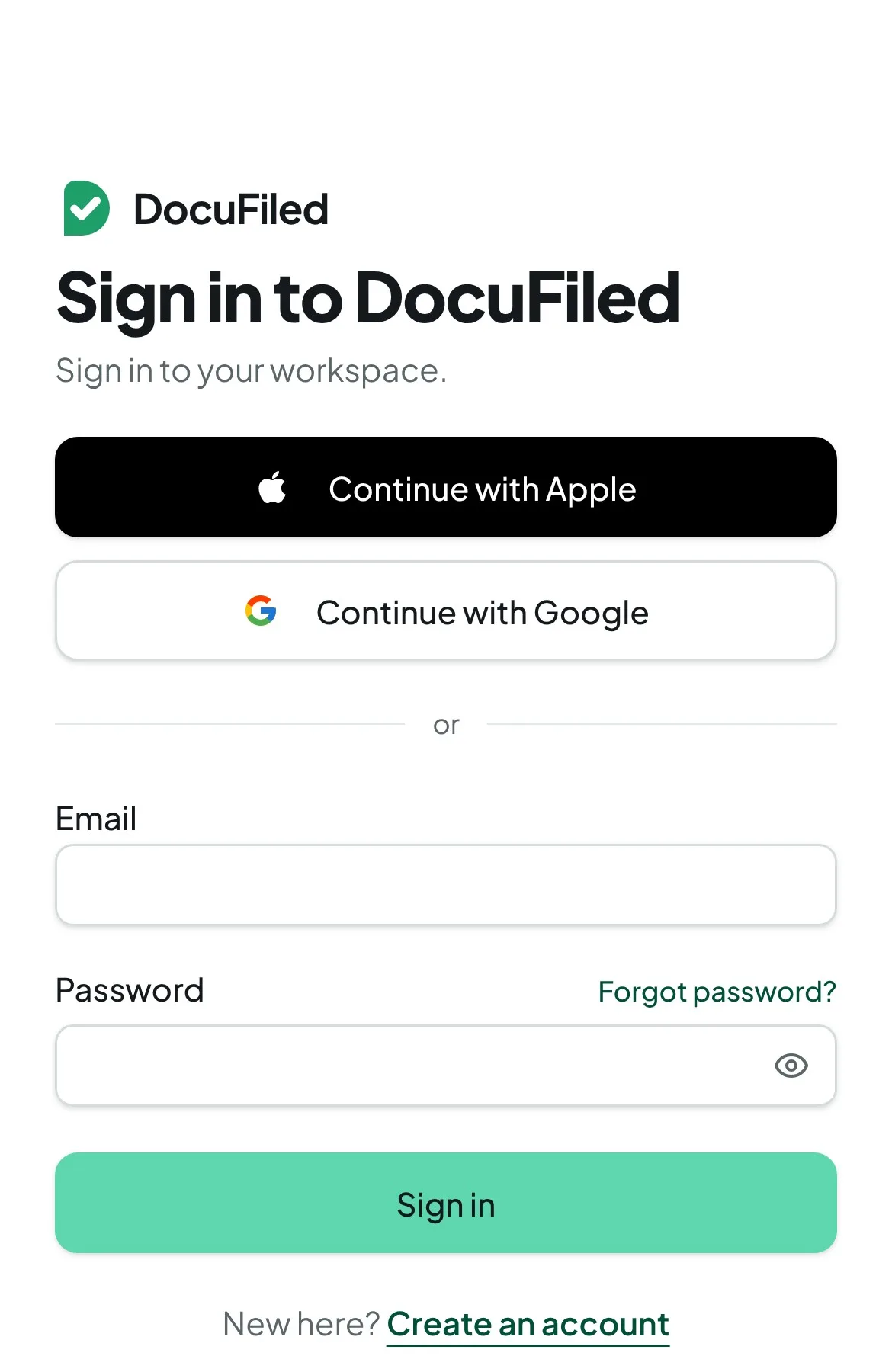
- Open the email from DocuFiled and tap the link (then Continue). You can also go straight to docufiled.com and tap Sign in.
- Sign in with the same email address the invite was sent to — Continue with Google, Continue with Apple, or your email and a password (tap Create an account the first time).
- Your business workspace opens straight away.
2Put DocuFiled on your phone
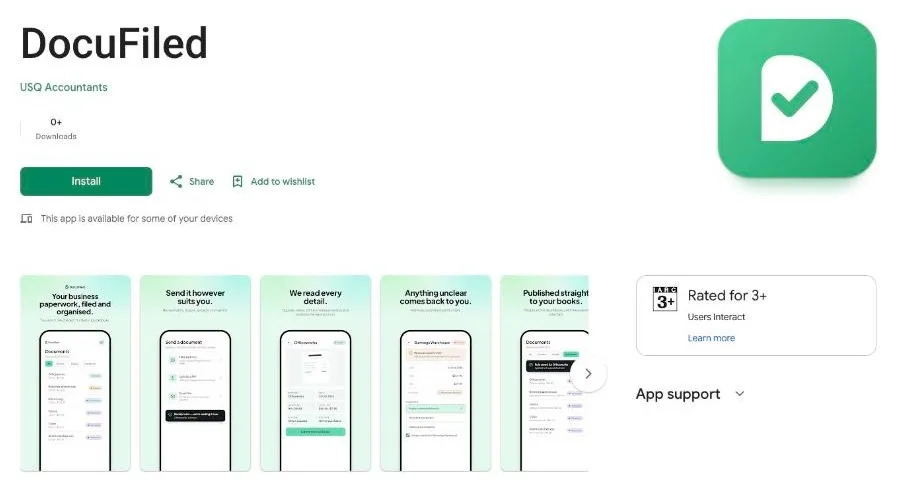
With DocuFiled on your phone, you can photograph a receipt the moment you get it.
Android: open the Google Play Store, search for DocuFiled (by USQ Accountants), tap Install, then open it and sign in. Open in Google Play
iPhone: open Safari, go to docufiled.com and sign in, then tap Share → Add to Home Screen → Add. Step-by-step pictures: Put DocuFiled on your phone's home screen.
3Send us your receipts and invoices
There are three ways — use whichever is easiest.
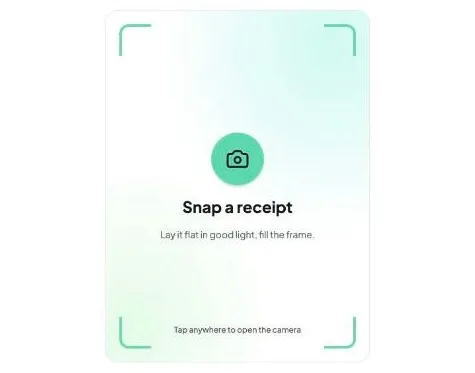
Snap a receipt: on your phone, open DocuFiled and tap Snap. Lay the receipt flat in good light and fill the frame. You can also pick photos from your photo library.
Upload from your computer: drag PDFs, JPGs or PNGs onto the Drop receipts and invoices here box, or click it to choose files. Several at once is fine.
Email: your business has its own address, such as yourbusiness@docufiled.com. You'll find it on your Documents page (tap to copy). Forward any invoice email to it, PDF attachments included.
4Tell your suppliers
Ask every supplier that emails invoices to your old Dext address (…@dext.cc) to change it to your new DocuFiled address.
If a supplier uses an ordering platform such as Fresho, Square or MYOB, the address needs updating in that platform too.
What happens next
Each document is read within moments and appears on your Documents page. The example below uses a sample business, Acme Corp.
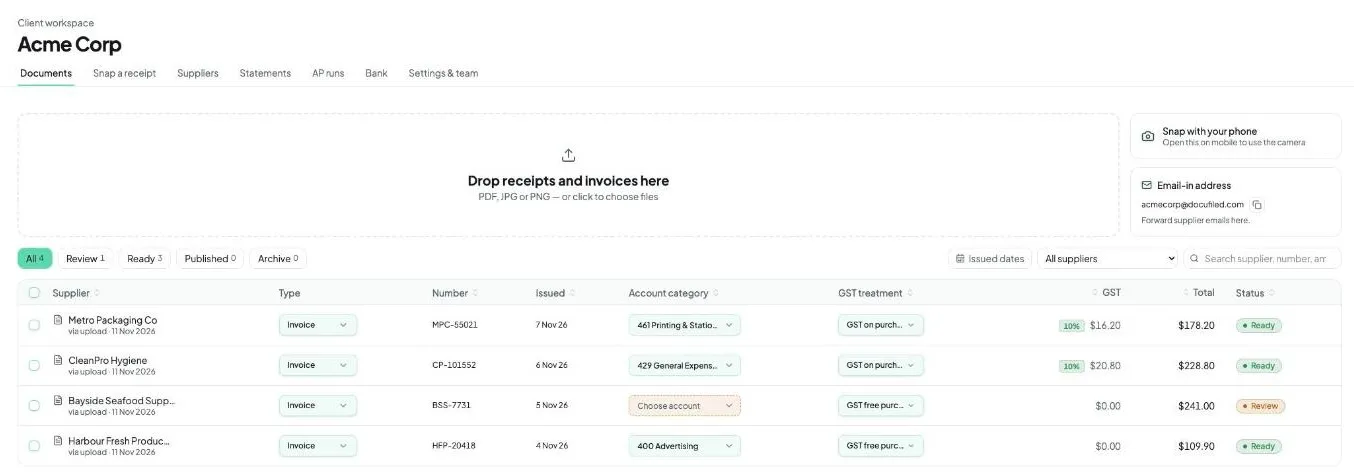
| Status | What it means |
|---|---|
| Review | Something needs checking, for example the expense category for a new supplier. We'll handle it, or ask you if we need to. |
| Ready | Read and checked, waiting to go into your books. |
| Published | Filed as a bill in your accounting software, with the original document attached. |
Opening a document
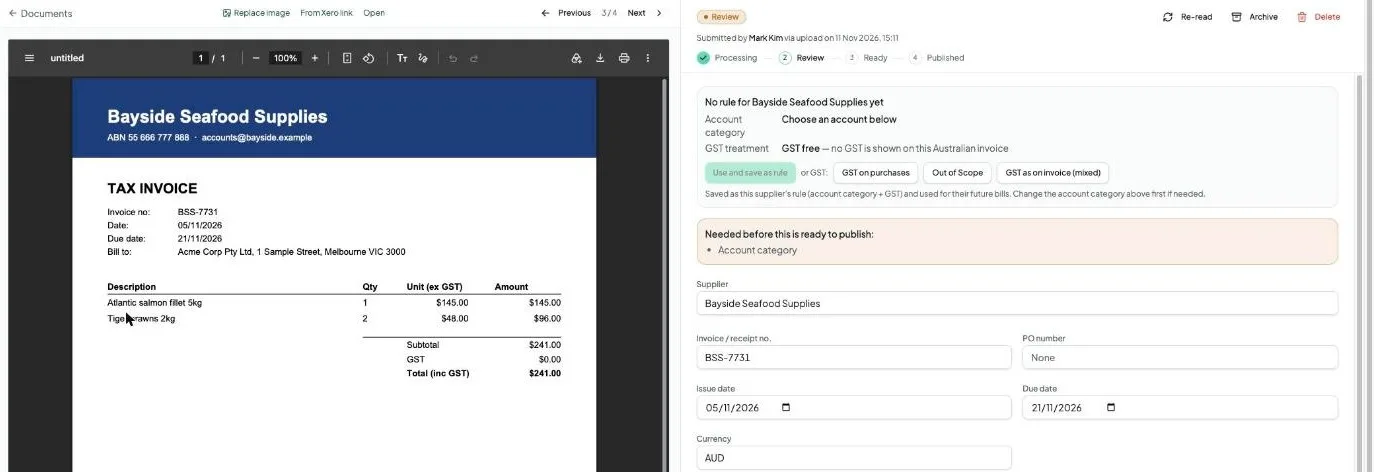
Click any document to see the original next to the details DocuFiled has read.
Adding your staff
Once you're in, invite staff from Settings (on a phone: More → Business settings & team). Each person is a Business Admin — usually the owner or manager, who sees every document and manages suppliers and settings — or a Member, who sends receipts and sees the ones they sent. See User roles and Let a Member see all documents.
Tips
Send it as soon as you get it
Snap receipts on the day. Faded thermal receipts are hard to read later.
One document per photo
Take a separate photo for each receipt. A PDF with several invoices in it is fine; DocuFiled splits it.
Supplier statements welcome
Send monthly statements too. We check them against your bills so nothing is missed.
Not sure? Send it anyway
Anything that isn't a bill, such as order confirmations or newsletters, is set aside automatically.
Common questions
- What happens to my Dext documents?
- We've backed up your full Dext history and moved recent unprocessed documents into DocuFiled for you.
- Does it cost anything?
- There is no charge for your business at this stage. DocuFiled is provided by USQ Accountants.
- Who can see my documents?
- Your Business Admins and the USQ Accountants team. Members see the documents they sent themselves, unless an admin lets them see all documents.
Need a hand? We're here to help.
USQ Accountants · info@unitedsq.com · (03) 9070 4790
44 Lakeview Drive, Scoresby VIC 3179 · www.unitedsq.com
Liability limited by a scheme approved under Professional Standards Legislation.